Everything Ollie's Camp puts on the tablet
One home screen that a four-year-old can navigate alone and a parent can trust. Here is what's behind each tile.
The curated app grid
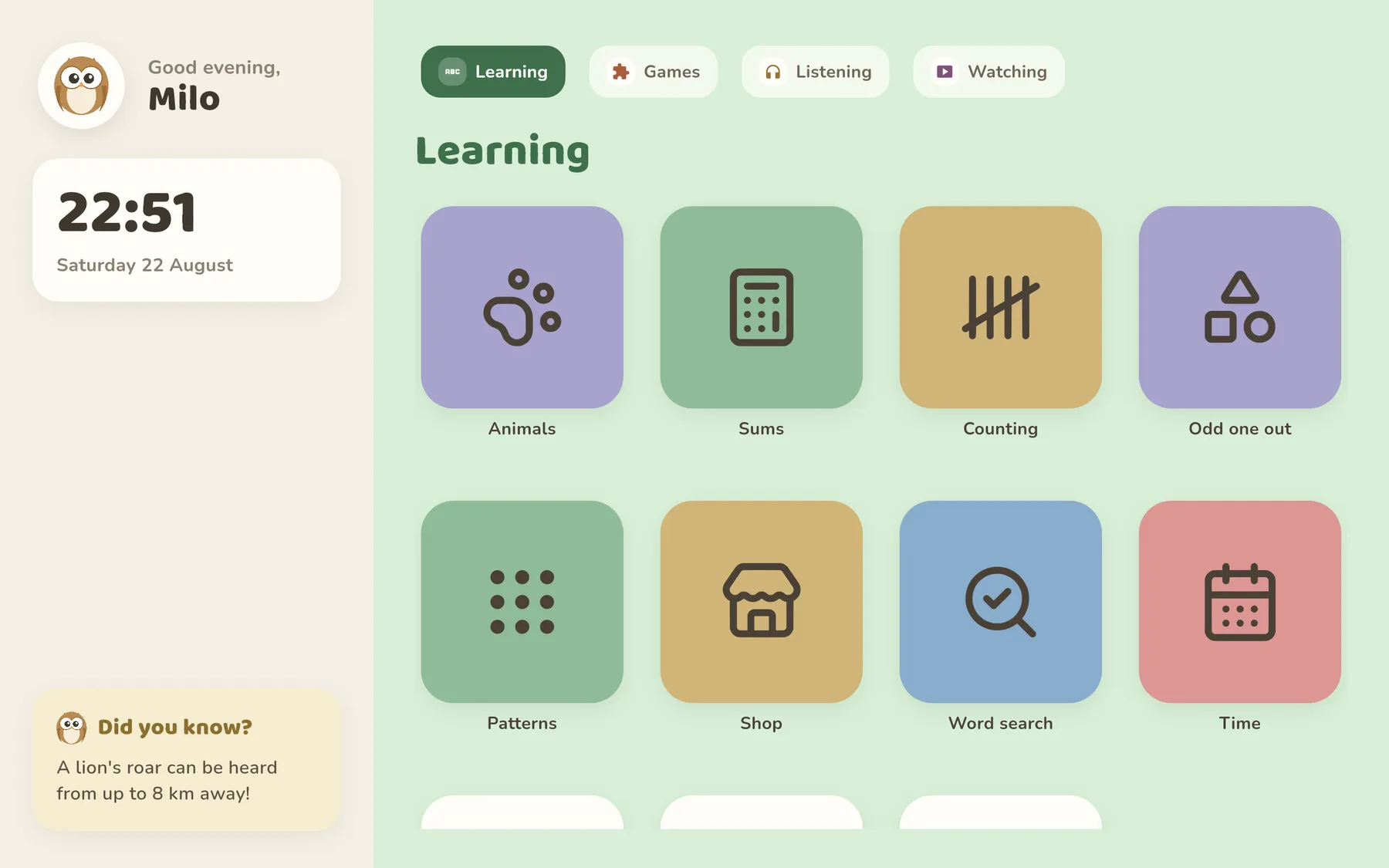
Choose from everything installed on the tablet and only those apps appear. Tiles are large, labelled and never rearrange themselves, so the same drawing app is always in the same place.
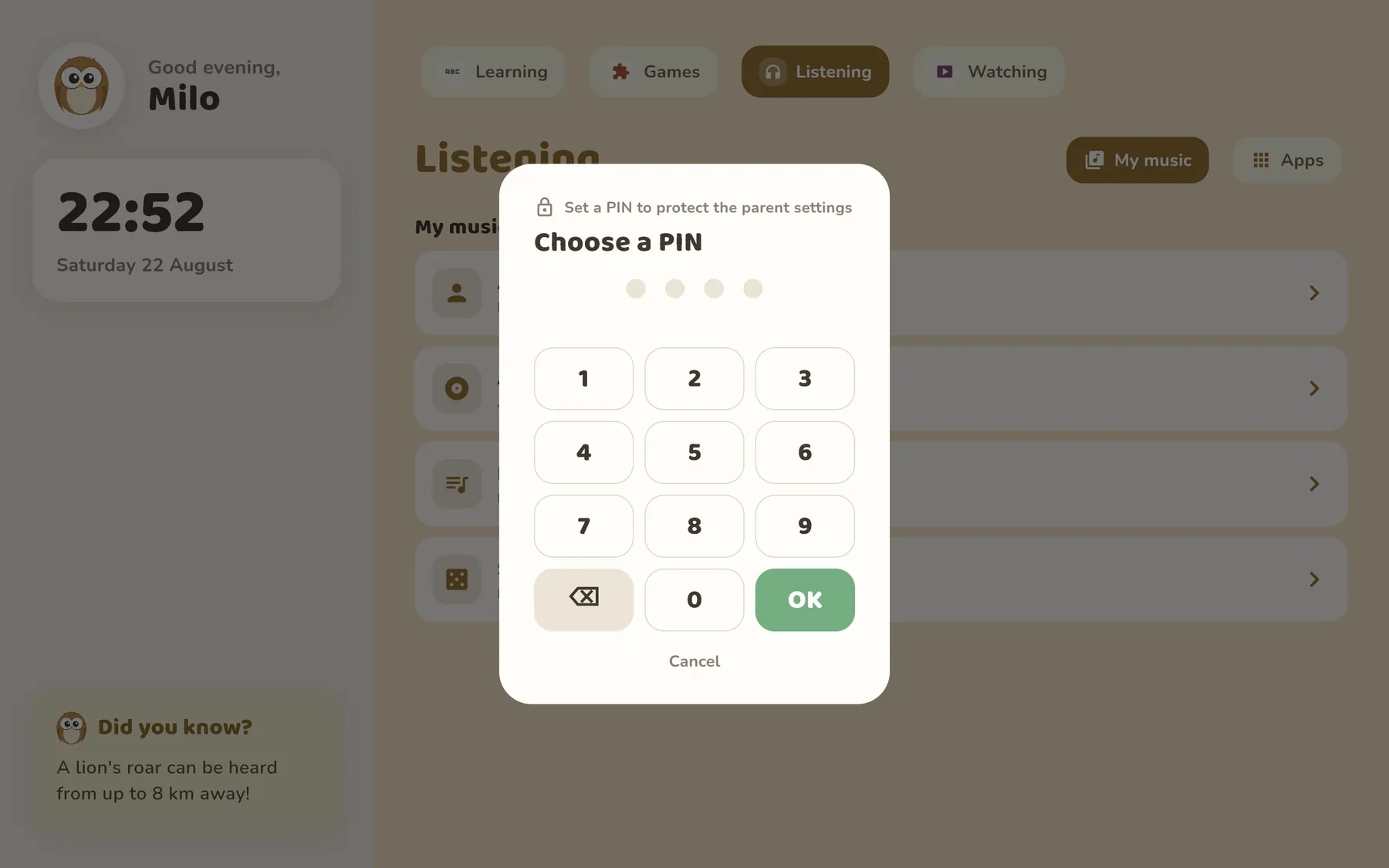
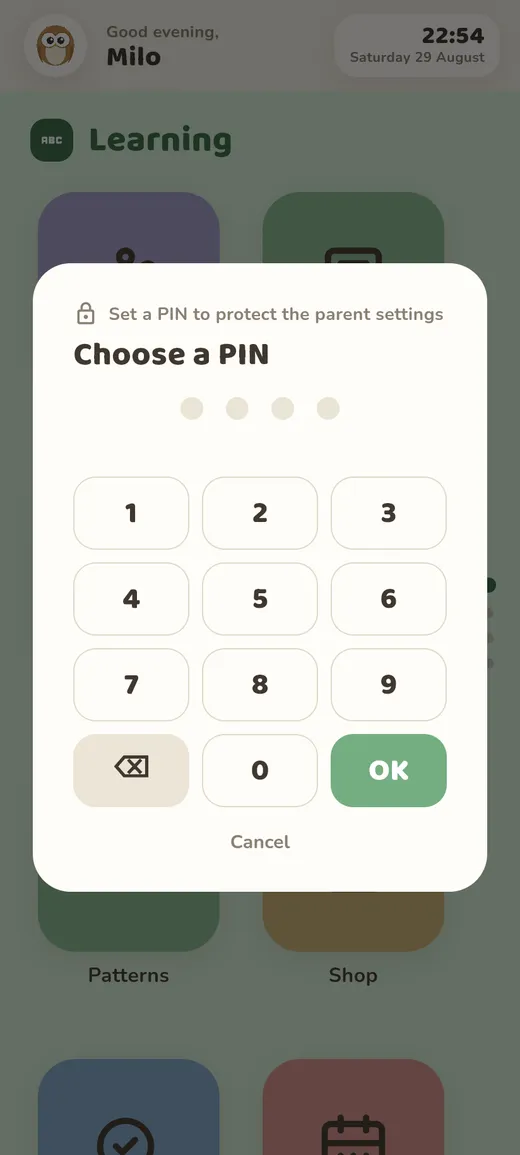
The settings screen, the app picker and the exit are all behind the parent PIN. Wrong guesses simply do nothing. Has your child learned the PIN by watching you type it? Swap it for a code from an authenticator app: six new digits every 30 seconds, so there is nothing to memorise.
The learning modules
Three small worlds, made for short sessions and no scoreboards.
Animals
More than a hundred animals with photos, a passport and a short story read aloud. Works offline too.
Maths and patterns
Sums that are different every time, from adding to dividing, and patterns to complete.
Calm games
Memory, Snake, Whack-a-mole and Word search: short and quiet, with nothing to unlock.
Your own music, stories and audiobooks
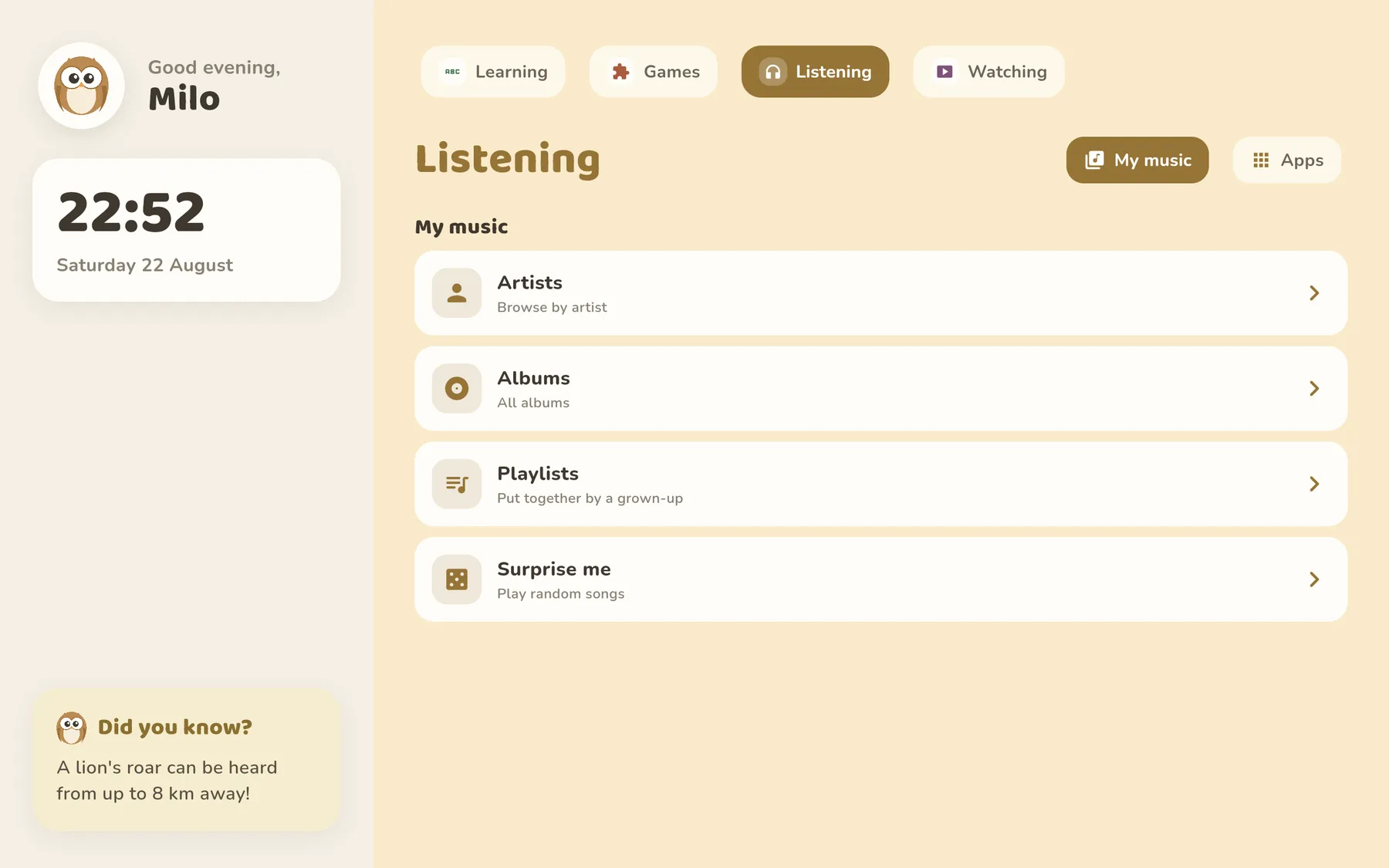
Ollie's Camp shows a child-sized version of your family's library: big covers, no search box to get lost in, no recommendations from anyone. It plays from your own collection, served by Navidrome or AudioBookshelf, set up once in the parent settings.
Mark an album or an audiobook for offline and it stays on the tablet.
The family photo gallery
Connect an Immich library and pick the albums they may see. Nothing else is reachable.
Retro games
Bring your own ROMs and pair a Bluetooth controller. Two players on one tablet.
Rhythm of the day
Morning, afternoon and evening each get their own set of tiles. Bedtime turns the screen quiet and warm.
Screen time, set per category
Not one number for the whole tablet, and not a fiddly limit per app. Ollie's Camp budgets the six sections of the home screen, so “an hour of Watching” means an hour, whether that hour goes to one video app or to three.
Set a daily amount for Watching, or Games, or any of the six. Every app you filed under that category draws from the same pot, so switching apps doesn't start the clock again.
Every category starts with no limit at all. You add one only where you want one: Listening can stay open all day while Watching gets an hour.
Give Saturday and Sunday their own amount, or leave the weekend the same as the week. “The weekend is unlimited” and “the weekend is like every other day” are separate settings, because they are separate statements.
“Only after 15:00”, or “nothing after 19:30”. Outside its window a category is shut no matter how much time is left, and a window works on its own, without any daily amount.
When a category runs out, the tile asks for a parent. Type the PIN and add 15, 30 or 60 minutes. The extra time is for today only: tomorrow the usual budget is back.
The parent settings draw the last seven days per category as a small chart, so you can see where the time actually went. It lives on the tablet. There is no dashboard of ours to look at it in.
Time is derived from Android's own usage events rather than a stopwatch we keep running, so a reboot, a crash or a force-stop neither loses nor invents minutes. The day turns over at 04:00 rather than midnight, because a session from 23:55 to 00:10 should not land in two different days. Used-up tiles simply grey out; switch on the optional watchdog and a block card also covers an app opened from a notification or the recents list. And if Ollie's Camp somehow never runs again, that watchdog lapses rather than locking your child out.
On a phone, laid out for a phone
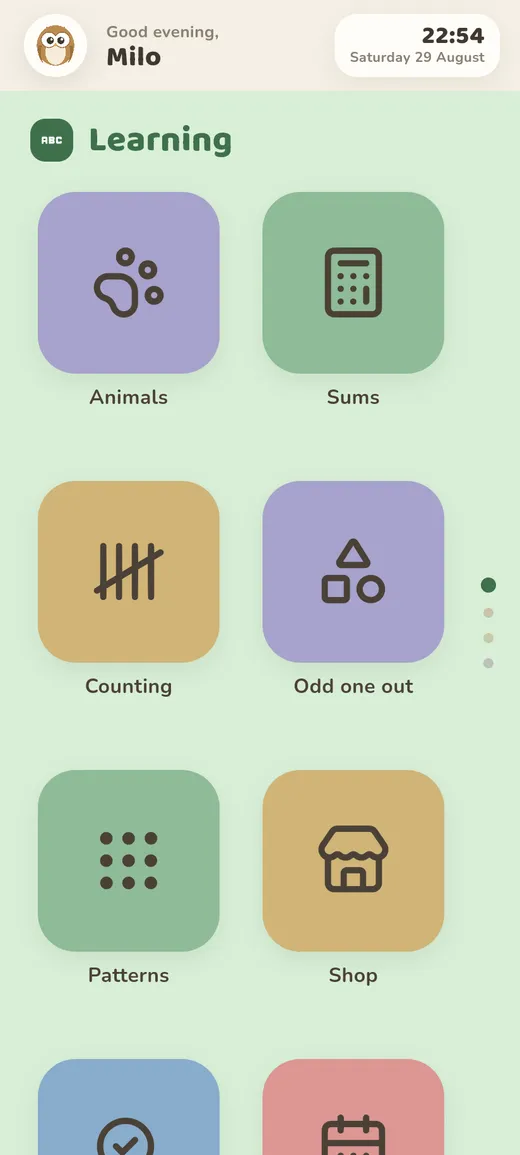
The launcher is designed for a tablet in landscape, and a tablet is still what we'd give a small child. On a phone it doesn't shrink that screen down. It rearranges it: two columns of thumb-sized tiles, the four sections stacked into a swipe with dots down the edge, and labels that stay readable at arm's length.
Everything behind it is identical, parent gate included. Handy for the old phone that quietly became the spare kid device.
Made for children up to about ten
Ollie's Camp is built for the years before a child has any business on the open web or on social media: roughly three to ten. That is our view, and the app is shaped by it: there is no browser built in, and a child only meets the web if a parent deliberately puts it on the screen.
A kids' tablet is good at six things
They are the six sections of the home screen, and between them they cover what a device is genuinely worth handing to a young child.
- Learning Animals, maths, calm games.
- Games Playing something, alone or with you.
- Reading Picture books and stories.
- Listening Music, audiobooks and stories.
- Watching Something chosen, not something served.
- Making Drawing, building, recording.
And it is not good at two
Communicating and browsing. So Ollie's Camp does not build them in, and does not try to make them safe either, which is why a few features you may be shopping for are missing on purpose.
- No built-in browser
Ollie's Camp has no address bar of its own. In our view the web is not a place a seven-year-old should wander, and we do not think it can be made into one. You can still put Chrome or Firefox on the grid like any other app and allow it; that is your call. We just don't advise it.
- No chat, no social media
Every large platform sets thirteen as its floor, and they are right to. A child below that age is not supposed to be there, so we don't build a friendlier door into it.
- No DNS or web filtering
Filtering is what you reach for once you have already let the web in: it blocks a list and misses everything that isn't on it. We would rather not let the web in. A filtered web is still the web.
- No message monitoring, no surveillance
We don't read your child's messages, because there are none to read. Reading them would be the wrong repair for having allowed them in the first place.
Apps, not communication and not browsing. Everything else follows from that, including why Ollie's Camp does less than the monitoring suites, and costs €5.99 once instead of a fee every month.
One payment of €5.99. Everything above included.
No subscription. No ads. No accounts. No tracking.
Get it on Google Play Try it in your browser →