camp /kæmp/ noun a safe base camp where little explorers play and rest
A calm, safe home screen for your child's tablet.
For children up to about ten.
Pay once and it's yours. No ads, and no account needed.
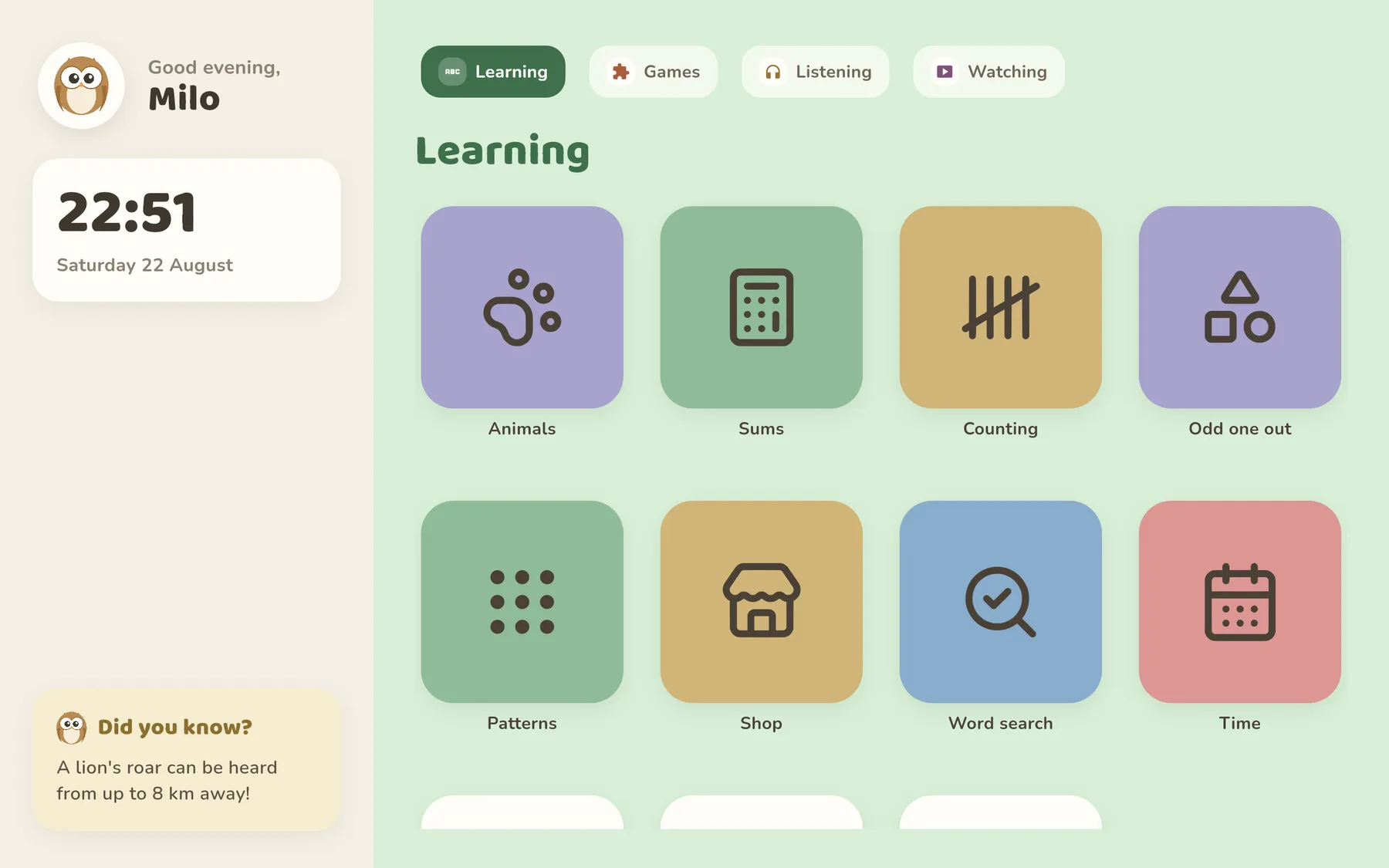
Give children the freedom you chose for them
Ollie's Camp replaces the tablet's home screen with big, calm tiles. Your child sees exactly the apps you picked: nothing else, no store, no browser, no surprises.
Changing the selection or leaving the launcher takes a parent PIN. For children who have watched you type it once too often, the PIN can also be a code from an authenticator app.
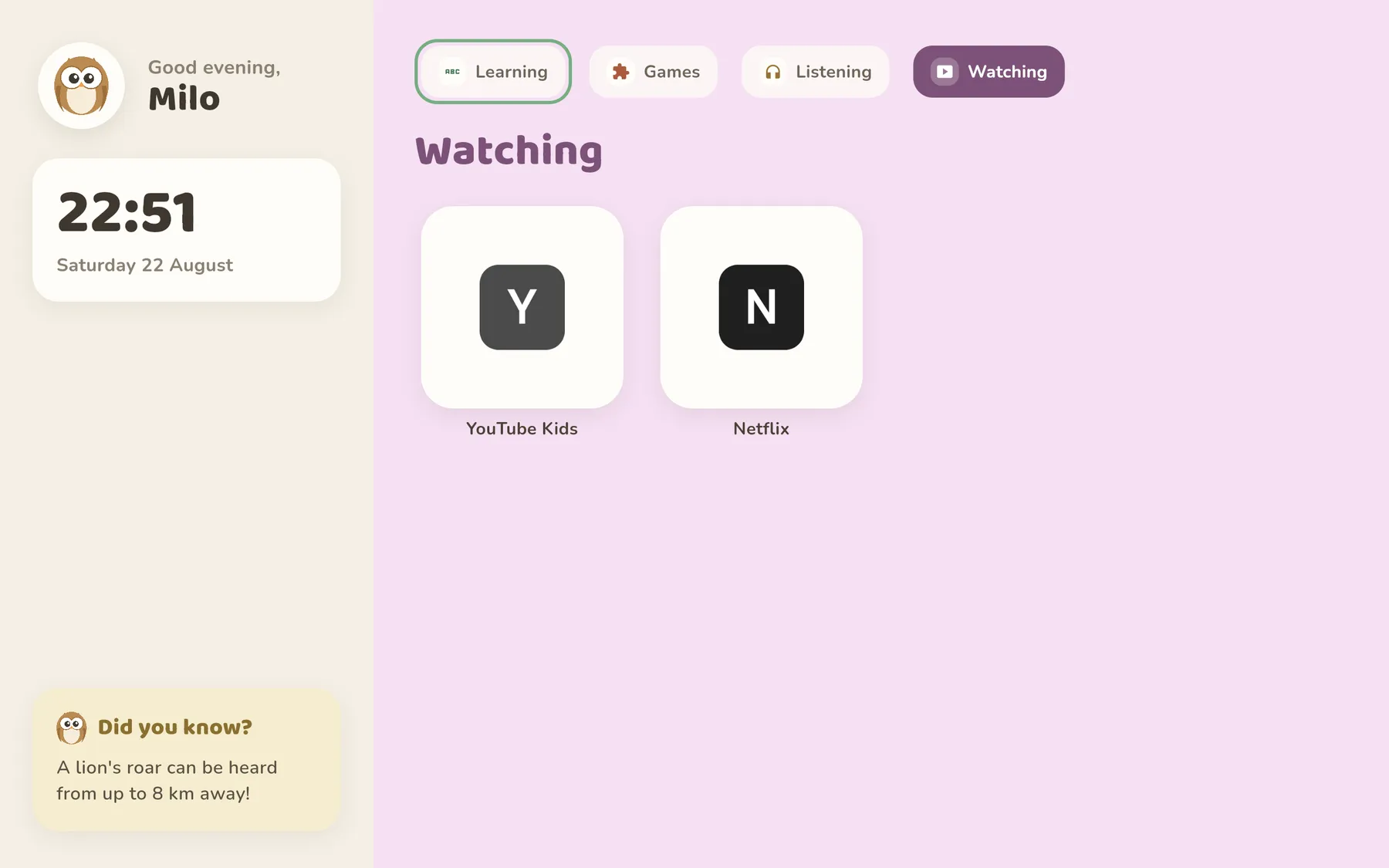
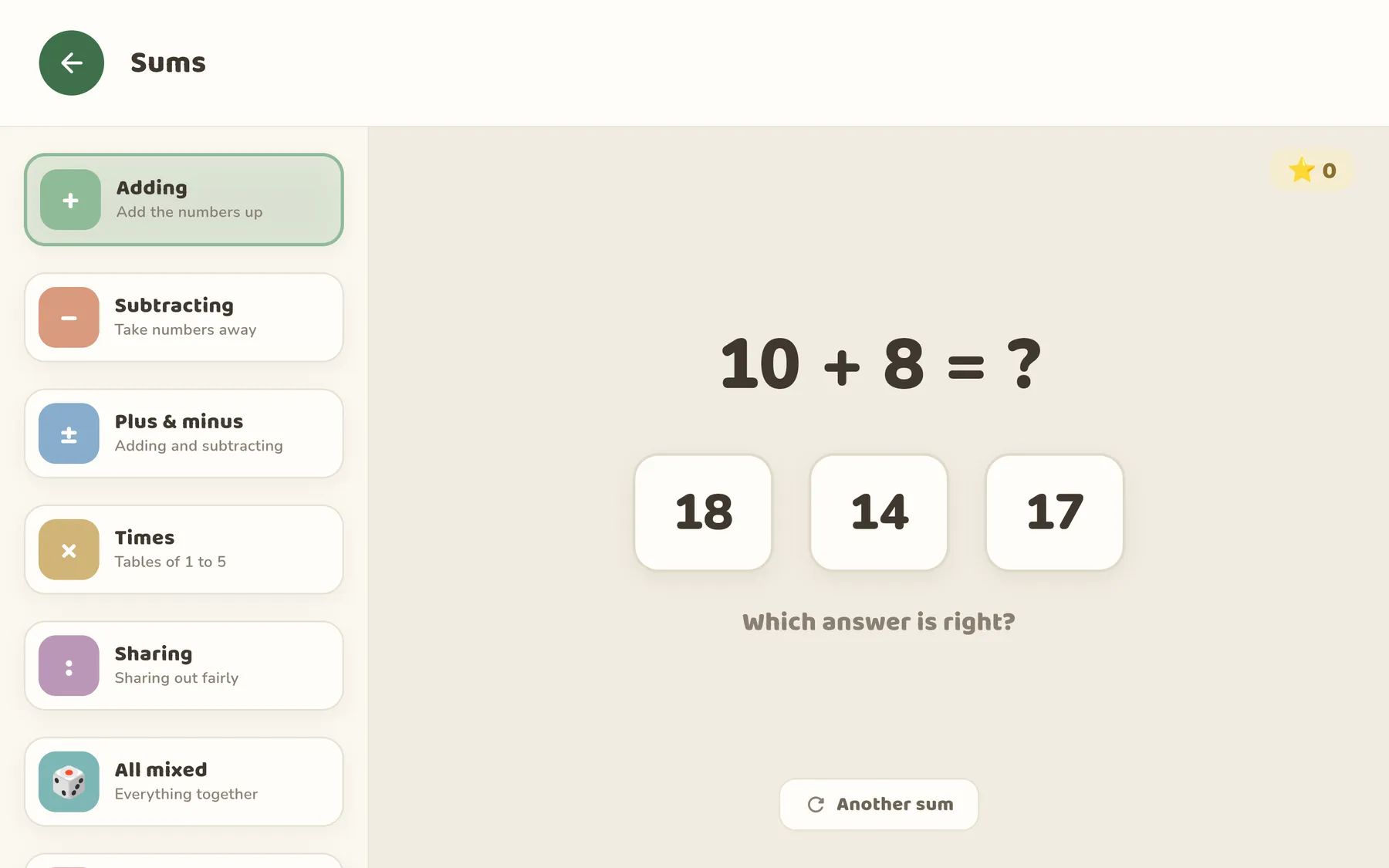
Learning games included
Animals, maths, patterns and a handful of calm games (Memory, Snake, Whack-a-mole, Word search) come with the launcher: no levels to unlock, no coins, and no pressure to come back tomorrow.
No extra subscription, either. They're part of the one price, and they work without a connection.
Their own music and stories
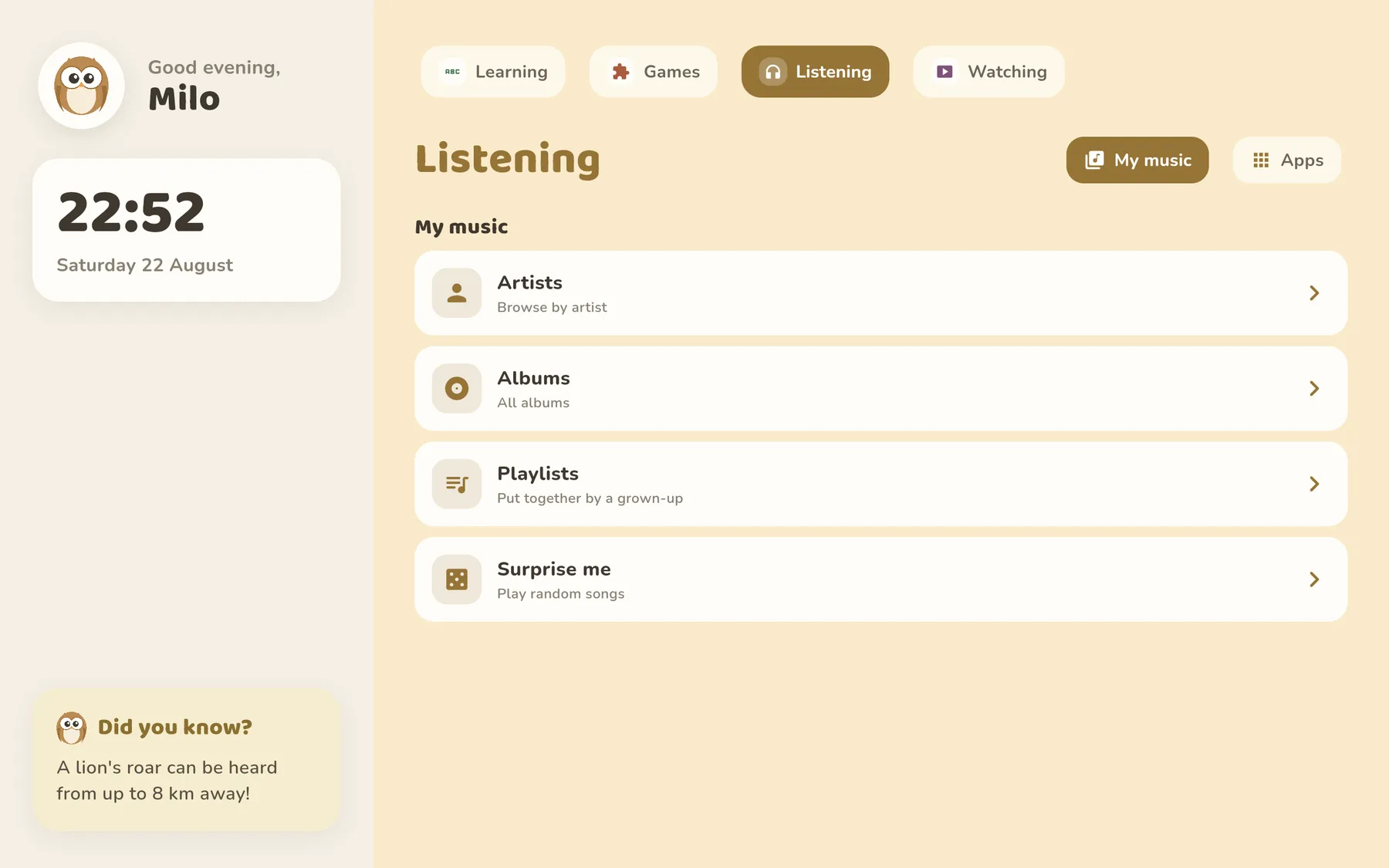
Give your child a library instead of a feed: the albums, playlists and audiobooks you chose, with cover art big enough to tap, and nothing suggesting what to play next.
Browsing works the way the iPod used to: artist, album, song, and you always know where you are. It plays from your family's own collection, and downloads keep working where the signal doesn't.
The family photo gallery
Let them scroll through last summer instead of a stranger's feed. You pick the albums they see.
Retro games, real controllers
The classics you grew up with, playable together on the sofa with a paired gamepad.
A rhythm for the day
Set what's available in the morning, after school and at the weekend. Quiet hours dim the whole screen.
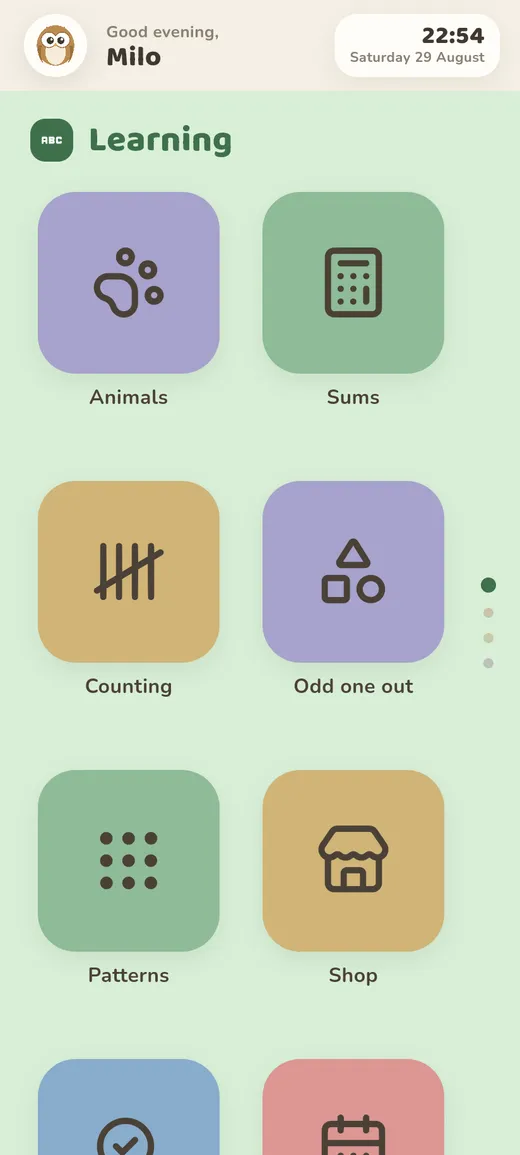
Made for a tablet. Works properly on a phone.
We think a tablet is the better device for a young child: more room for two heads over one screen, and less of a pocket-sized habit in the making. So Ollie's Camp is built for a tablet first, and that is still where it's happiest.
But an old phone often becomes the family's spare kid device, and a squashed tablet layout would be a poor way to treat it. On a phone the grid becomes two thumb-sized columns, the sections stack into a swipe, and the parent PIN works exactly as it does on the tablet.
Nothing about your child leaves the tablet
Ollie's Camp runs on the tablet, full stop. There is no Kindergrove cloud, no child profile on a server somewhere, and no company sitting between your family and its own photos and music.
No account to create, no profile to build, nothing to opt out of.
Made for children up to about ten
Ollie's Camp is built for the years before a child has any business on the open web or on social media: roughly three to ten. That is our view, and the app is shaped by it: there is no browser built in, and a child only meets the web if a parent deliberately puts it on the screen.
A kids' tablet is good at six things
They are the six sections of the home screen, and between them they cover what a device is genuinely worth handing to a young child.
- Learning Animals, maths, calm games.
- Games Playing something, alone or with you.
- Reading Picture books and stories.
- Listening Music, audiobooks and stories.
- Watching Something chosen, not something served.
- Making Drawing, building, recording.
And it is not good at two
Communicating and browsing. So Ollie's Camp does not build them in, and does not try to make them safe either, which is why a few features you may be shopping for are missing on purpose.
- No built-in browser
Ollie's Camp has no address bar of its own. In our view the web is not a place a seven-year-old should wander, and we do not think it can be made into one. You can still put Chrome or Firefox on the grid like any other app and allow it; that is your call. We just don't advise it.
- No chat, no social media
Every large platform sets thirteen as its floor, and they are right to. A child below that age is not supposed to be there, so we don't build a friendlier door into it.
- No DNS or web filtering
Filtering is what you reach for once you have already let the web in: it blocks a list and misses everything that isn't on it. We would rather not let the web in. A filtered web is still the web.
- No message monitoring, no surveillance
We don't read your child's messages, because there are none to read. Reading them would be the wrong repair for having allowed them in the first place.
Apps, not communication and not browsing. Everything else follows from that, including why Ollie's Camp does less than the monitoring suites, and costs €5.99 once instead of a fee every month.
A launcher is simply the app that draws the home screen. Setting Ollie's Camp as the default one means the tablet starts here every time, and the parent PIN is what gets you back out.
Every feature is included, today and in future updates. No tiers, no add-ons, nothing to renew.
Get it on Google Play